


 Payroll data from the Cash Register is not displayed in the CStoreOffice® shift reports
Make sure the following conditions are met:
- The employee identifier is configured properly in the cash register and CStoreOffice® and coincide in both places.
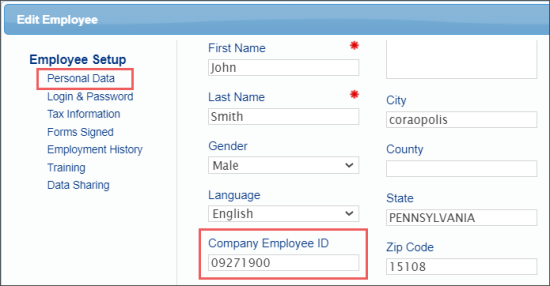
In CStoreOffice®, you can configure the Company Employee ID value in the Employee Setup form. For more information, see Personal Data.
- The Cash Register Employee ID field is populated in the Payroll : Employees form from the corresponding value configured on the cash register.
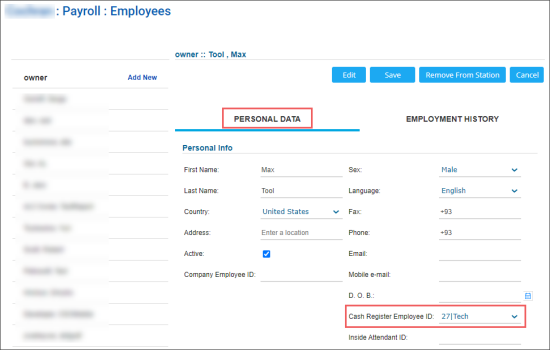
For more information, see Payroll Employees.
- Employee is clocked in and clocked out each shift. For more information, see Clocking In and Clocking Out.
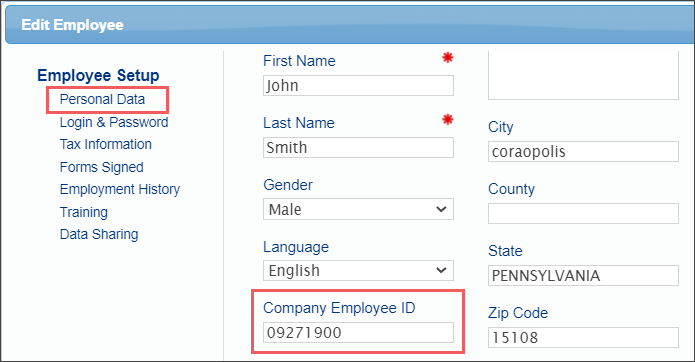
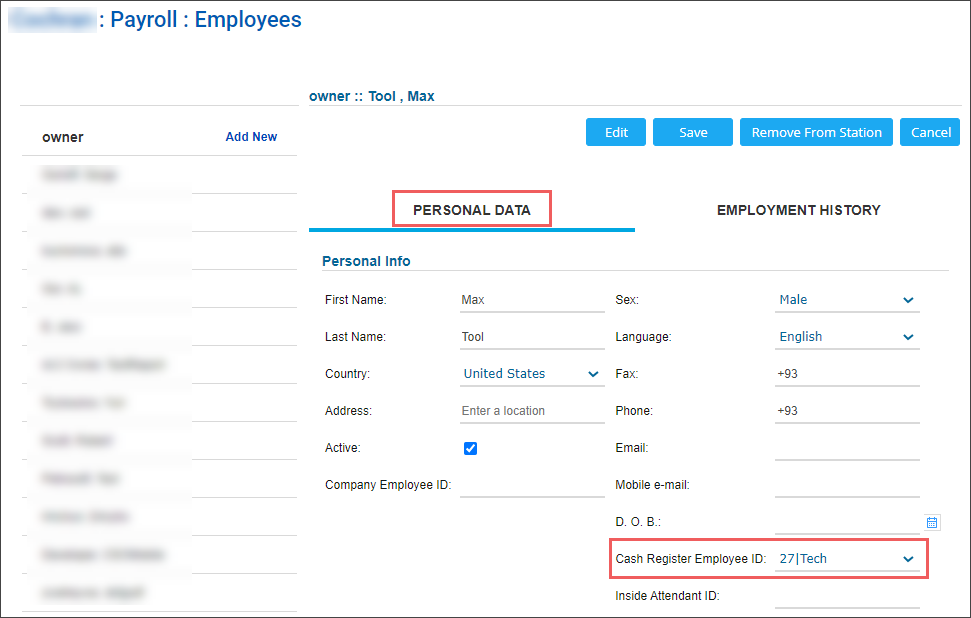
If any of the conditions above is not met, the payroll data is not displayed in CStoreOffice®.
To verify shift data in CStoreOffice®, use the printout generated when ending the day at the POS terminal to cross-reference what was done at the POS. This printout reflects exactly the shift data pulled into CStoreOffice®. Verify that the data is located in the correct area before running reports to ensure accuracy.
If you use a third-party payroll system to track time and attendance, please continue to do so. CStoreOffice® does not automatically track punches or process payroll; its payroll features are designed for manual entry and reporting only. While you can manually enter clock-in/out times and breaks in CStoreOffice®, this may be redundant if you already use an external system. To reconcile your data, you can manually enter details from your third-party payroll reports into CStoreOffice® as needed.


