


This section contains information on the new Import Tool module's features and changes in scope of last releases.
Production: 12/17/2018
Price Book
|
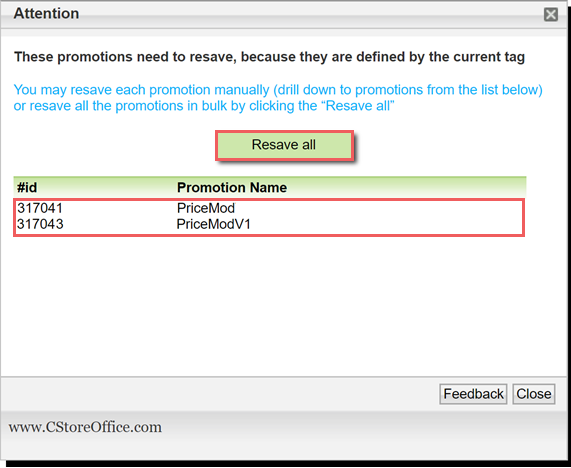
Improved! When location tags are assigned to new locations or removed, promotions created by these tags can be updated or ended in bulk. Where: Settings > Location tags. UI Changes: The Resave all and End All Promotions buttons are now displayed when a location tag is assigned to a location or removed from the tags tree.
For details, see Managing Promotions by Location Tags. |
Other
|
Improved! The Export Items Retails to PIM draft now allows filtering Price Book items by categories, exporting filtered data to Excel and deleting several items at once. Where: Import Tool > Quick Operations > Export Item Retails to PIM.
UI Changes: The Category column has been added to the draft table, allowing to filter items by categories.
For details, see Adjusting Price Book for Specific Locations. |
|
Improved! It is now possible to ignore check digits in item SKUs when exporting item retails to PIM from CSV files and assigning the item taxonomy. Where: Import Tool > Quick Operations > Export Item Retails to PIM, Item Taxonomy Assignment. UI Changes: The All SKU in file have check digits list has been added to the Export Items Retails to PIM and Item Taxonomy Assignment forms.
For details, see Exporting Items Retails to PIM from CSV File, Item Taxonomy Assignment. |


