


If SmartPOS operates without a back-office connection, the inventory amount is managed locally on the device. Otherwise, the quantity is retrieved from the CStoreOffice® price book.
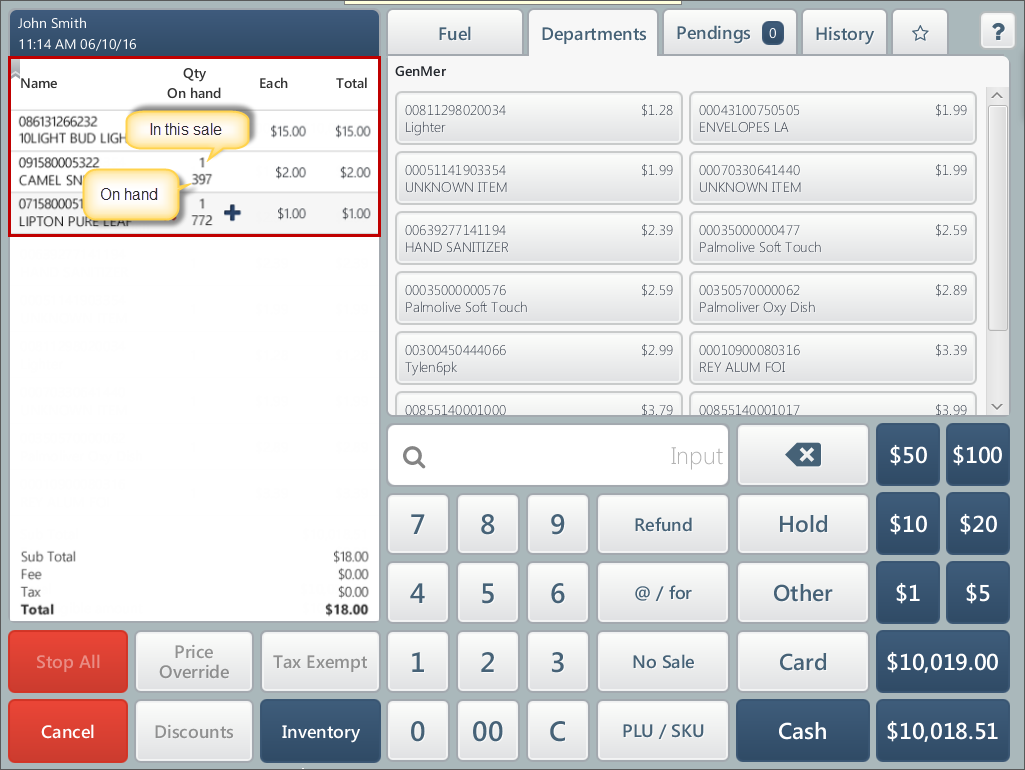
If the on-hand amount is configured, you can view it in the basket queue on the cashier screen.
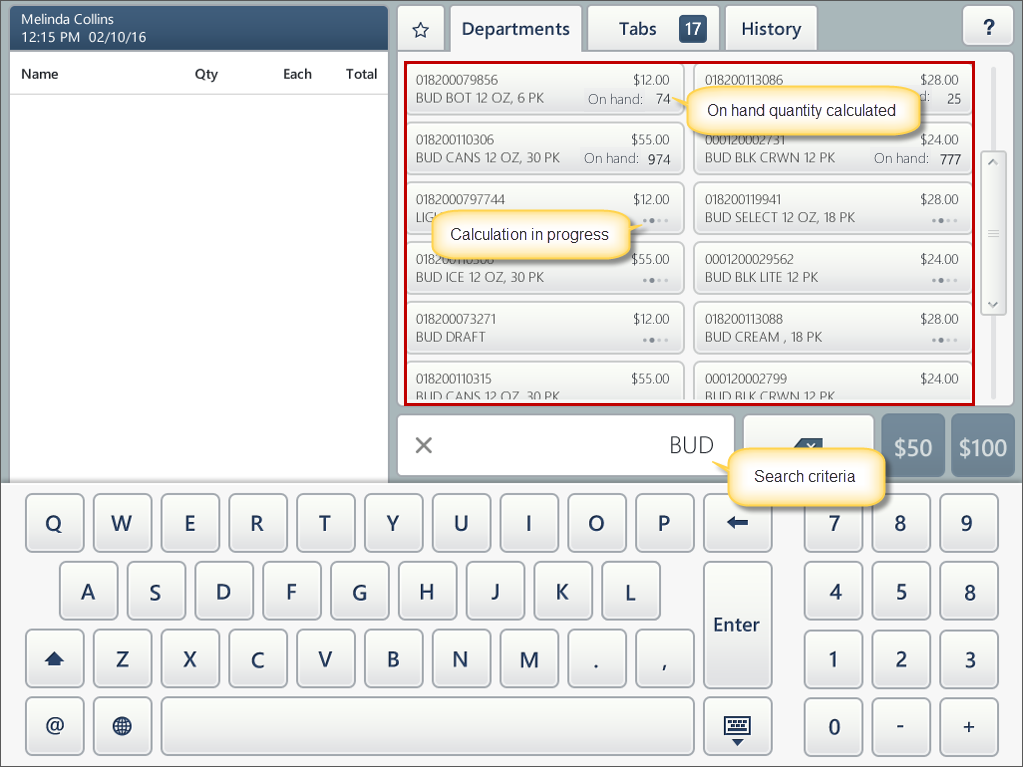
And you can also view the on hand quantity of the searched items.
To turn of the inventory view mode, press Inventory. The inventory view mode is turned on when the Inventory button is blue.


