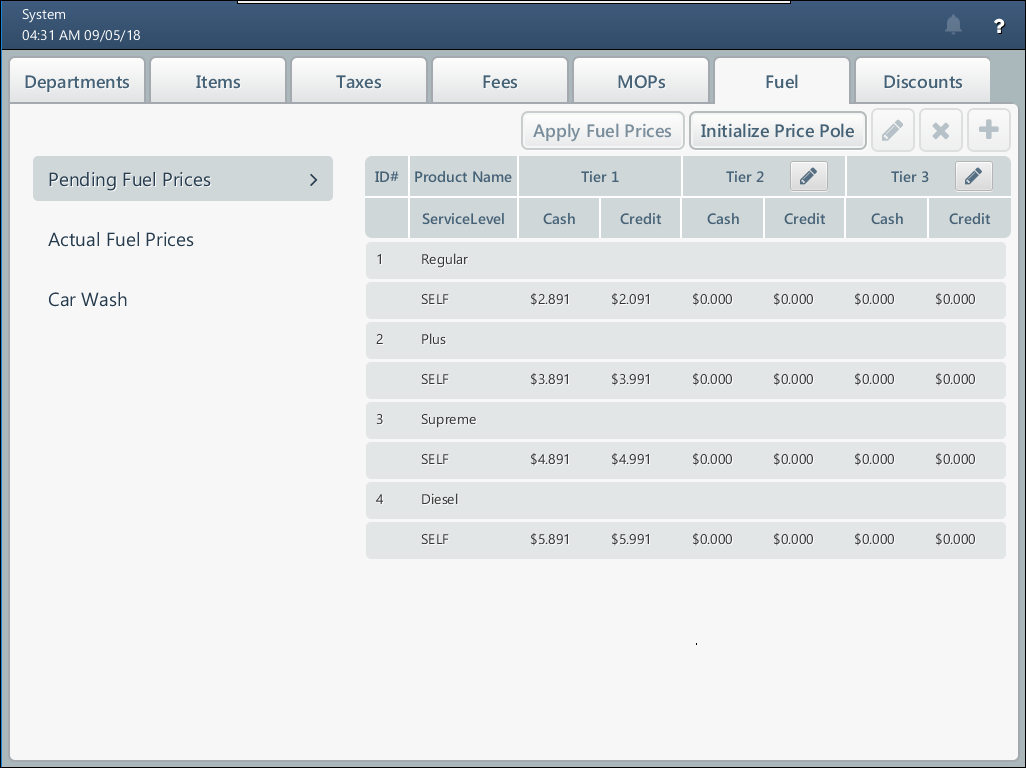
To access Fuel Products, swipe right from the Price Book screen. The Fuel Product screen is only available when the Fuel module is turned on at the back-office side.
Prices for fuel products are initially downloaded from the fuel system with which SmartPOS integrates.
On the Fuel Products screen, you can view and manage the following data:
- Pending FP: Updated fuel prices, which have not yet been applied. For more information, see Managing Fuel Prices and Managing Tiers for Fuel Prices.
- Actual FP: Actual fuel prices. For more information, see Viewing Actual Fuel Prices.
- Car wash products: For more information, see Managing Car Wash Prices.