


To start working with Altria Scan Data, use the steps listed below:
 Step 1: Subscribe
To subscribe for Altria Scan Data:
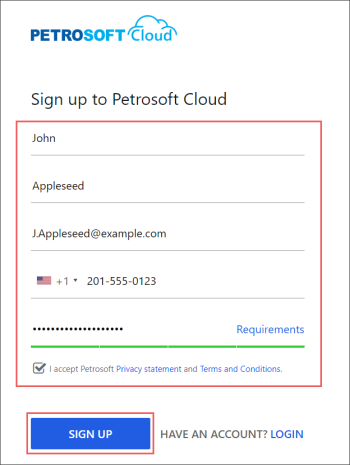
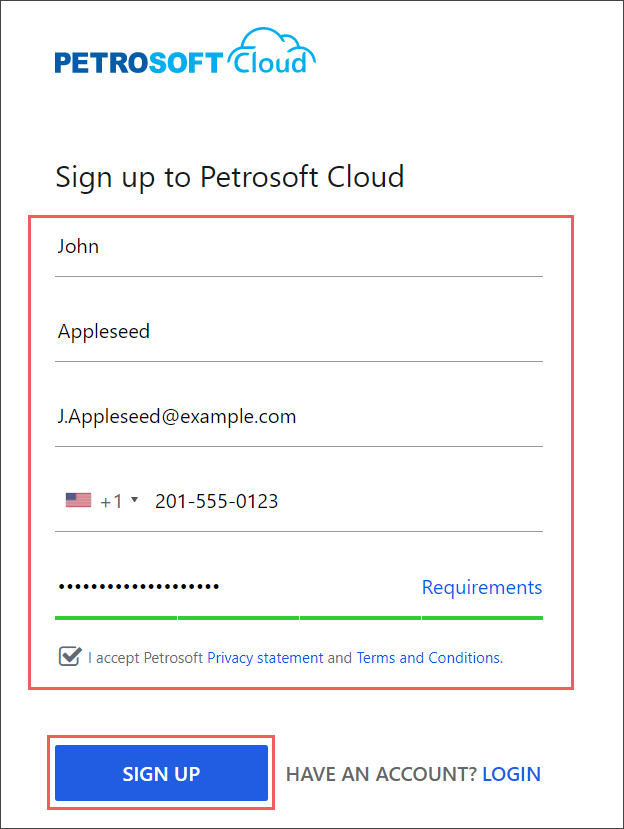
- Register with the Petrosoft Customer Portal:
- Go to the Sign up to Petrosoft Cloud form by following this link.
- Fill in all mandatory fields (marked with asterisk *) and click Sign Up.
- In the Petrosoft Customer Portal, subscribe for Scan Data:
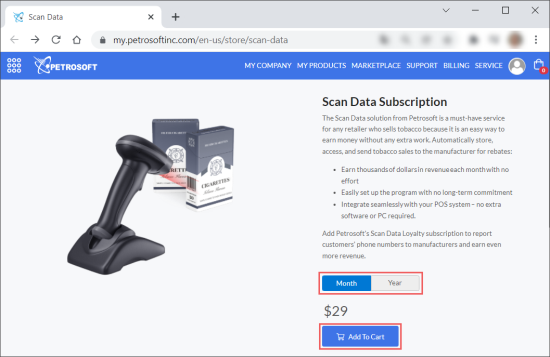
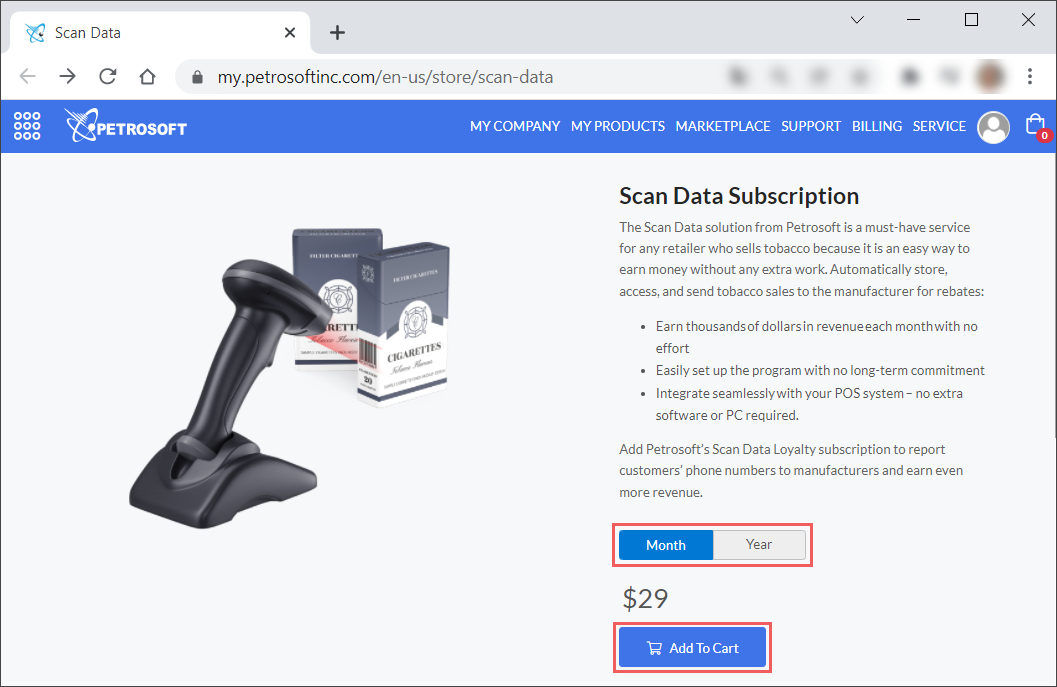
- Go to Visit Our Marketplace > Scan Data Subscription or follow the direct link.
- Select the subscription period: Month or Year.
- Click Add To Cart.
- At the top right of the form, go to your shopping cart and complete the purchase.
 Step 2: Install
Install and configure DC-701. It will take approximately 15 minutes.
Use DC-701 Quick Start Guide as a reference.
Step 3: Review and accept
To start reviewing and accepting promotions:
- Download the Retail 360 Mobile application:
- From App Store
- From Google Play
- In the Retail 360 Mobile app:
- Go to the Promotions menu.
- Start review and accept your promotions.
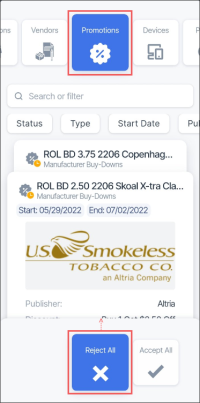

To learn more about processing promotions in Retail 360 Mobile, go to Promotions.


