


The Scan Data Activity report provides the detailed information about the successful export of the following scan data reports:
- Liquor Transaction Export Report
- Tobacco Scan Data Supporting Altria
- Tobacco Scan Data Supporting RJR
The report provides the information about successful export of the scan data reports on all stations of the account within the last four weeks.
The Scan Data Activity report is available only for the users with the system role.
For more information about how to open the report and how to interpret its data, refer to the corresponding sections below:
How to download the Scan Data Activity report
To download the Scan Data Activity report:
- Log into CStoreOffice® under the user with the system role.
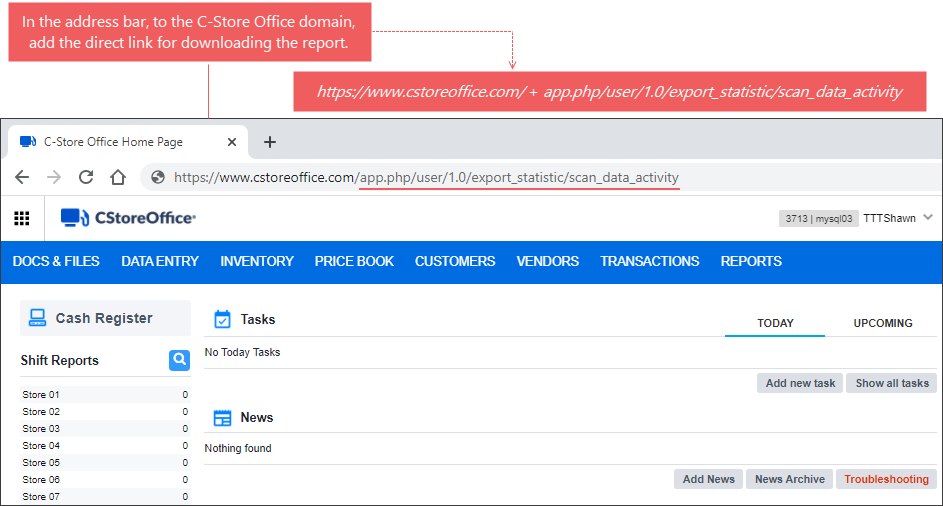
- In the browser's address bar, add the following direct link for the report downloading to the CStoreOffice® domain:
app.php/user/1.0/export_statistic/scan_data_activity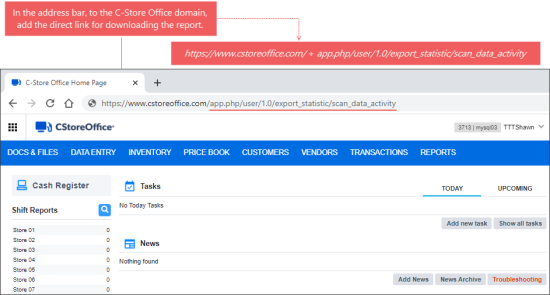
- On your keyboard, press Enter.
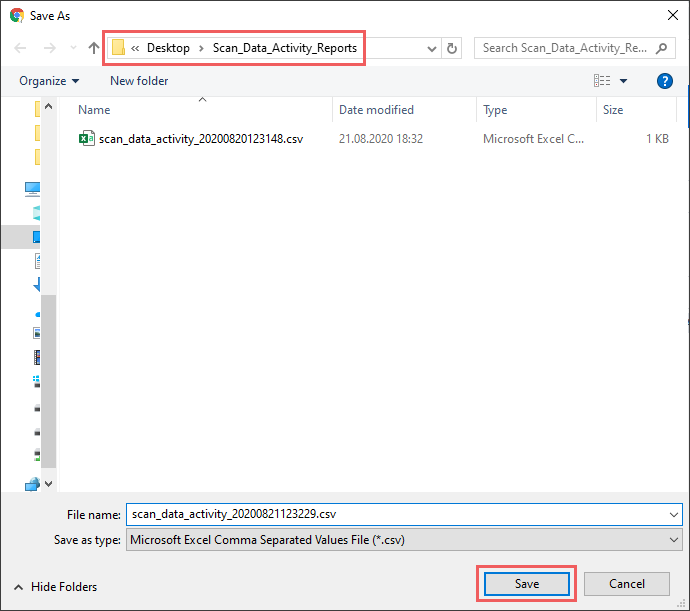
Result: The Save As form opens. - In the Save As form:
- Select the desired folder in which to save the report file.
- Click Save.
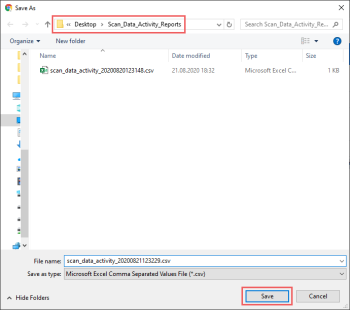
Result: The Scan Data Activity report is successfully downloaded to the selected folder.
Viewing the Scan Data Activity Report
The Scan Data Activity report contains the following data:
- Station ID: The identifier of the station where at least one of three scan data reports was downloaded within last four weeks.
- Station Name: The name of the station where at least one of three scan data reports was downloaded within last four weeks.
- Account ID: The identifier of the account where at least one of three scan data reports was exported successfully within last four weeks.
- Account Name: The name of the account where at least one of three scan data reports was exported successfully within last four weeks.
- Report Type: The name of the scan data report that was exported successfully within last four weeks. The following scan data reports are monitored:
- Liquor Transaction Export Report
- Tobacco Scan Data Supporting Altria: PMUSA is displayed in the Report Type column for this report.
- Tobacco Scan Data Supporting RJR
- Last Success Export: The date and time of the last successful export of the report.


