


The Review Management module provides two built-in investigative functions accessible directly from transaction cards in Video Journal to help with review decisions.
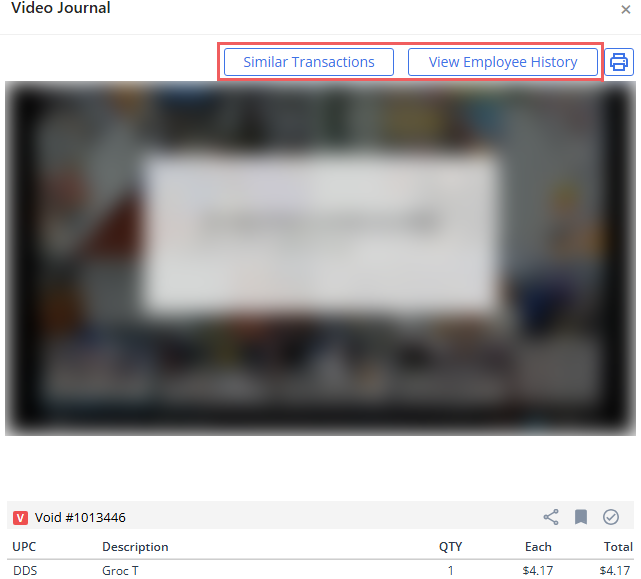
Similar Transactions
This function helps you to identify potential patterns by filtering the Video Journal for historical transactions that share similar characteristics with the transaction being reviewed:
- Search parameters: By default, the search automatically applies filters for the same location, same transaction type, and a default lookback period of 30 days (customizable).
- Ranking & similarity sorting: Results are ranked by similarity level based on:
- Transaction type match
- Location match
- Amount proximity
- Time proximity
- Exclusions: The original transaction being evaluated is automatically excluded from the result list to prevent duplicate review. Reviewers can open any returned transaction to inspect video and transaction details.
View Employee History
Clicking View Employee History launches Video Journal filtered specifically by employee and location so reviewers can evaluate an individual cashier's overall risk profile and behavior across time.
Unlike single-event views, it displays all types of risk events associated with that employee. Reviewers can launch video playback directly for any listed record to identify systemic operational issues or repeated policy violations.


